

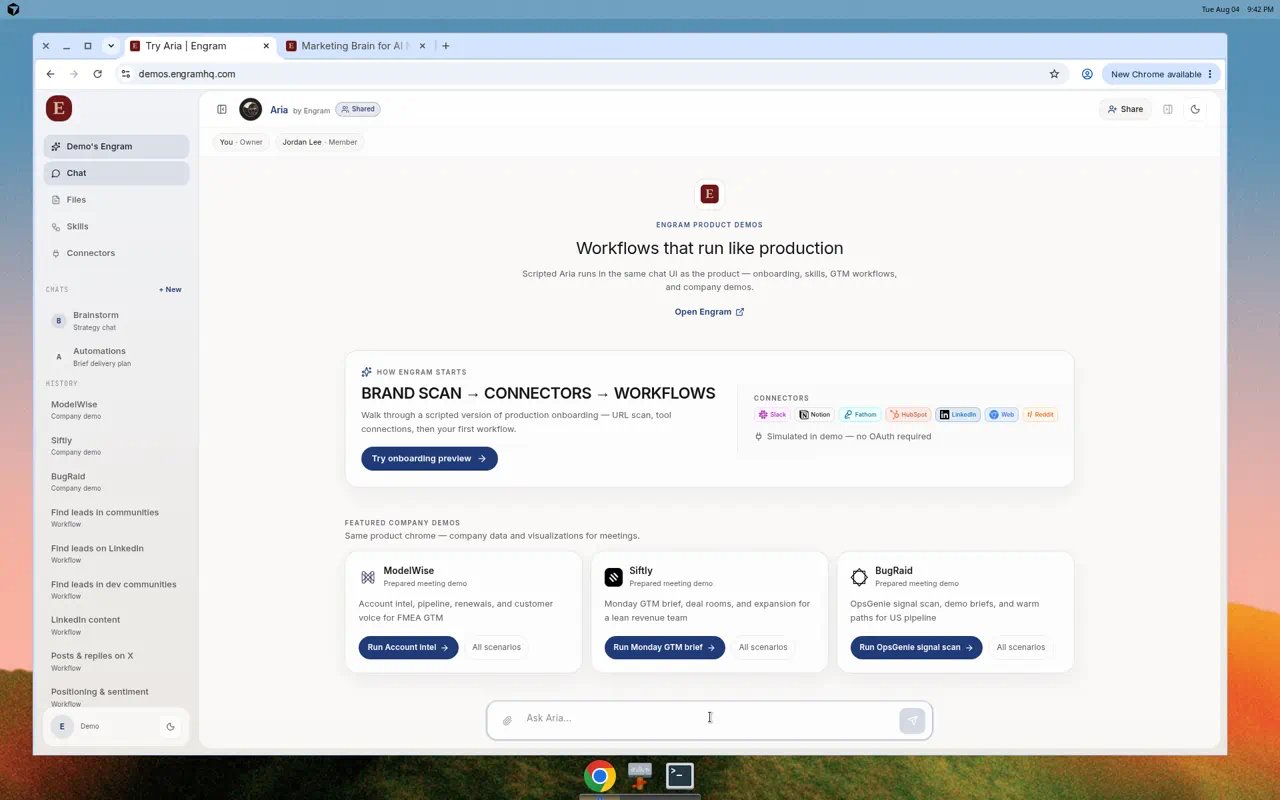
Chat with Ask Aria… and workflow entry points.
Layout
Start a useful conversation
1
Open Chat
Choose Chat or + New under Chats.
2
Be specific
Include audience, channel, and the decision you need. Example:
Surface Series B companies hiring multiple marketing roles on LinkedIn, score fit, and write peer-tone hooks.
3
Attach files when needed
Use the paperclip for briefs, decks, or notes. Limits: up to 5 files, 20MB each.
4
Watch the run
Aria streams progress while skills or research tools work. Open Chat files as artifacts appear.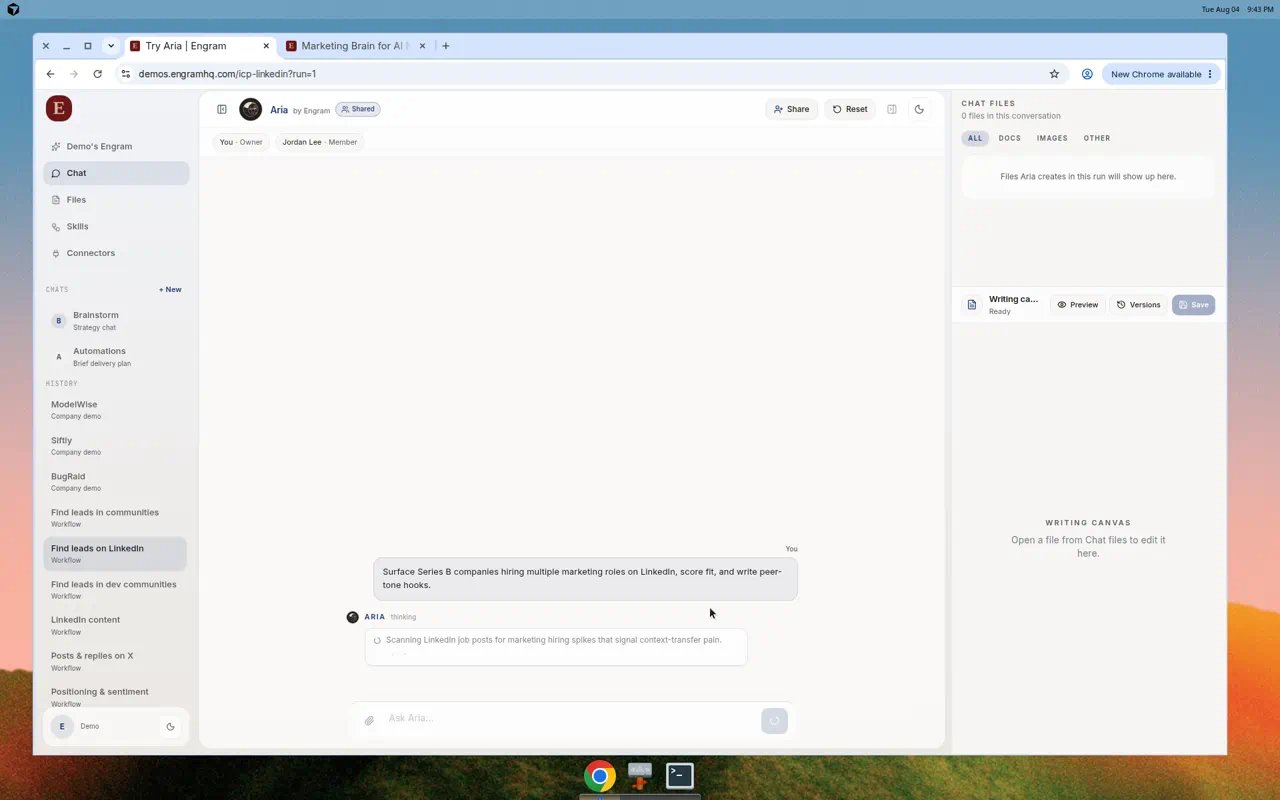
Aria running a LinkedIn lead workflow with Chat files and Writing canvas on the right.
Starter prompts that work well
- Campaign angle for a launch
- Positioning audit against named competitors
- Draft posts in brand voice for LinkedIn or X
- Market scan for a theme this week
Writing canvas and Chat files
When Aria creates a document in a run:- Open it from Chat files.
- Edit in Writing canvas.
- Save or promote so it appears under Files.
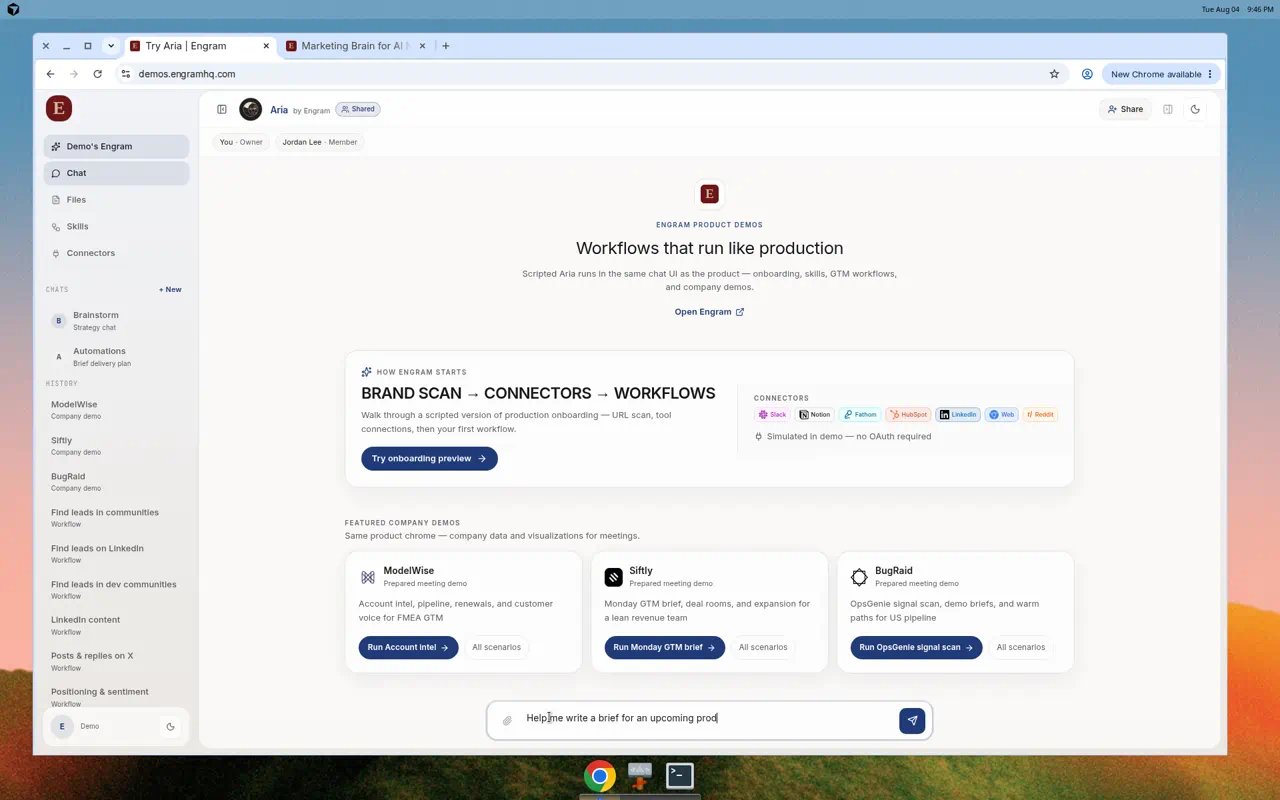
Composer with a product-launch brief request ready to send.
Share a chat with teammates
Use Share / Add teammate when an editor should continue the same thread. Owners and Editors can manage shared chats; Members collaborate inside chats they can access. See Team.Pinned chats
Real use cases
See LinkedIn leads and Team handoff for end-to-end examples.Tips
- Point Aria at Brand Brain facts when voice matters (“use our Brand Brain voice”).
- Launch configured skills instead of re-explaining multi-step workflows.
- Prefer one sharp question over a long laundry list.