

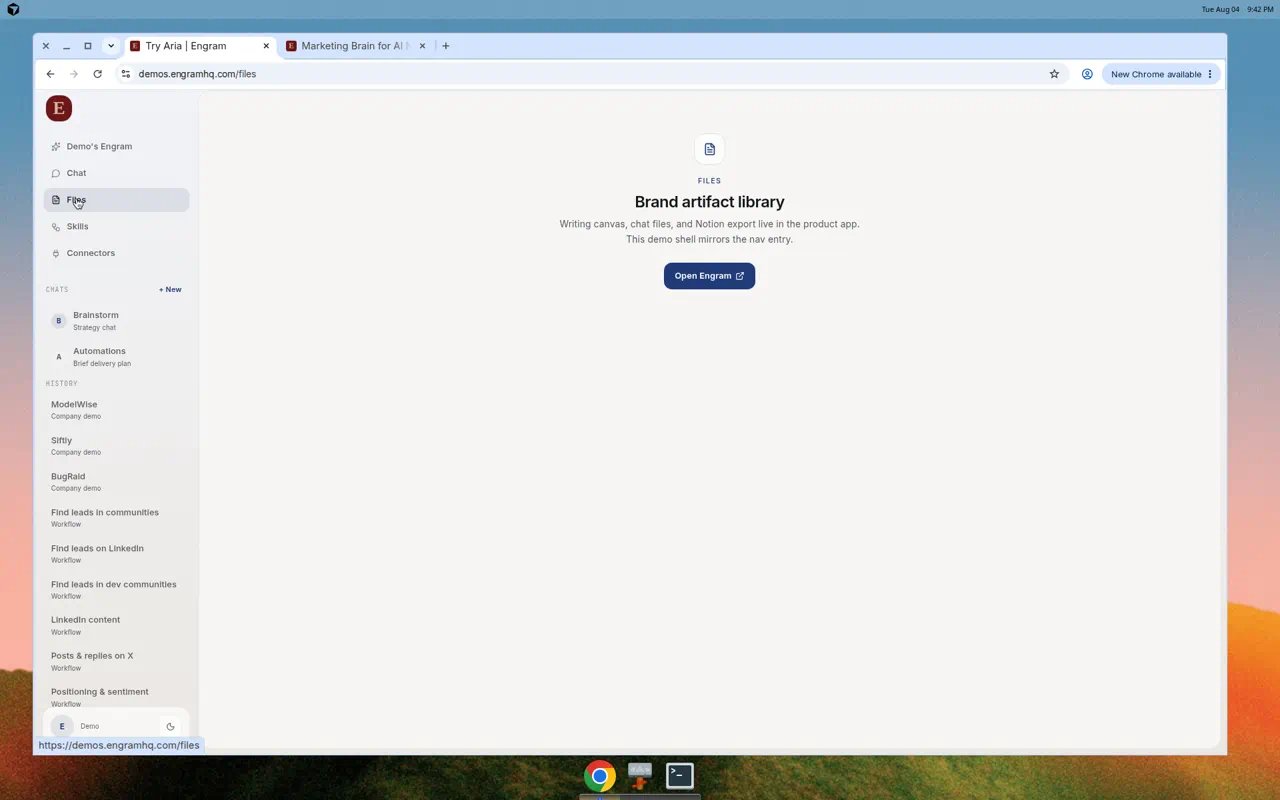
Files empty state: promote a document from chat to populate the brand library.
How files get here
- Aria creates a document during a chat or skill run.
- You open it from Chat files and edit in Writing canvas if needed.
- You save or promote it.
- It appears in Files for the active brand.
What you can do
- Refresh the library
- Open or download an artifact
- Export to Notion when Notion is connected and the artifact is tied to a conversation
Real use cases
Keep launch copy in one place
Keep launch copy in one place
Run a content skill in Chat, edit the draft in Writing canvas, promote it, then open Files when you need the approved version later.
Hand a brief to Notion
Hand a brief to Notion
Connect Notion under Connectors. Open the artifact in Files and choose Export to Notion for the working doc your team already uses.
Audit what Aria produced this week
Audit what Aria produced this week
Filter by recent chats, open each promoted file, and archive or re-run anything that drifted off-brand.