

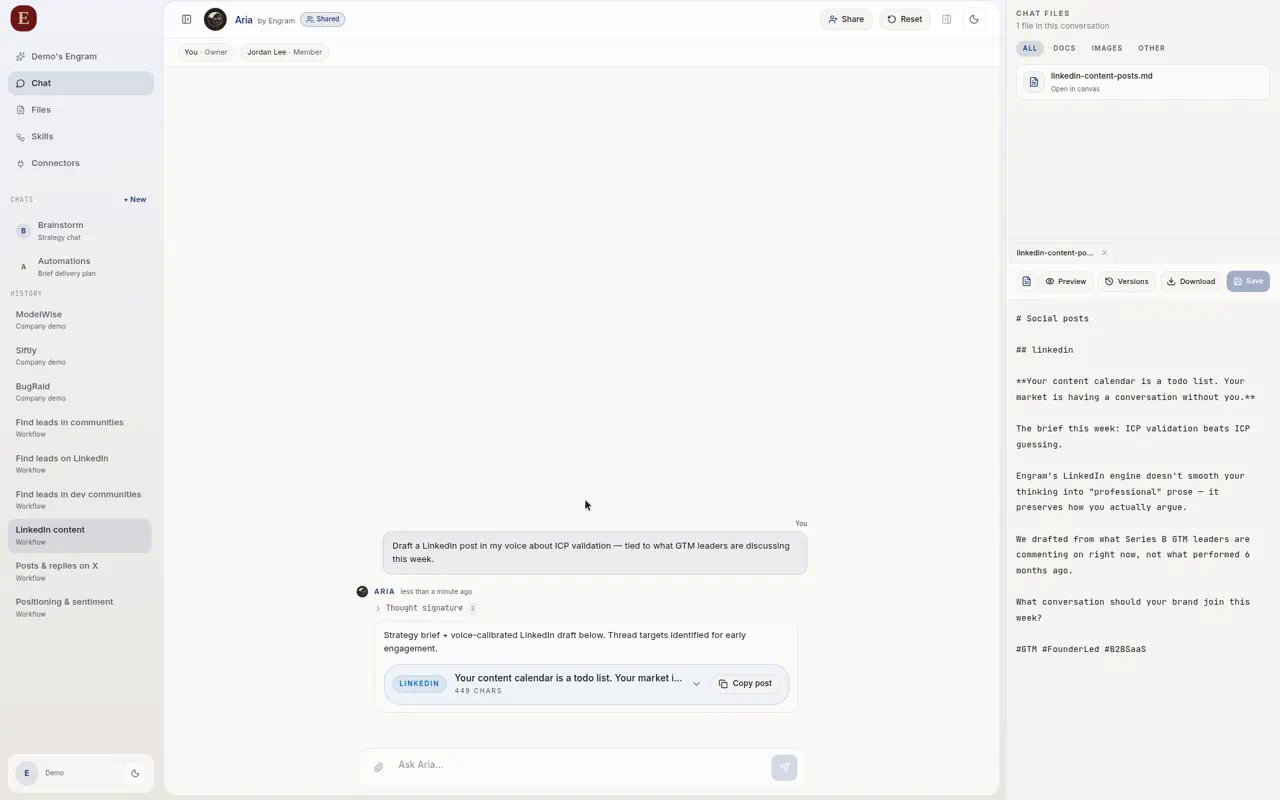
How Engram starts: brand scan, then connectors, then workflows.
What happens when you add a website
- You enter your company domain.
- Engram scans the site structure and public footprint.
- Brand Brain is seeded with name, description, identity signals, and early competitive context.
- You optionally take a web or phone call with Aria.
- You connect tools, then continue into Chat.
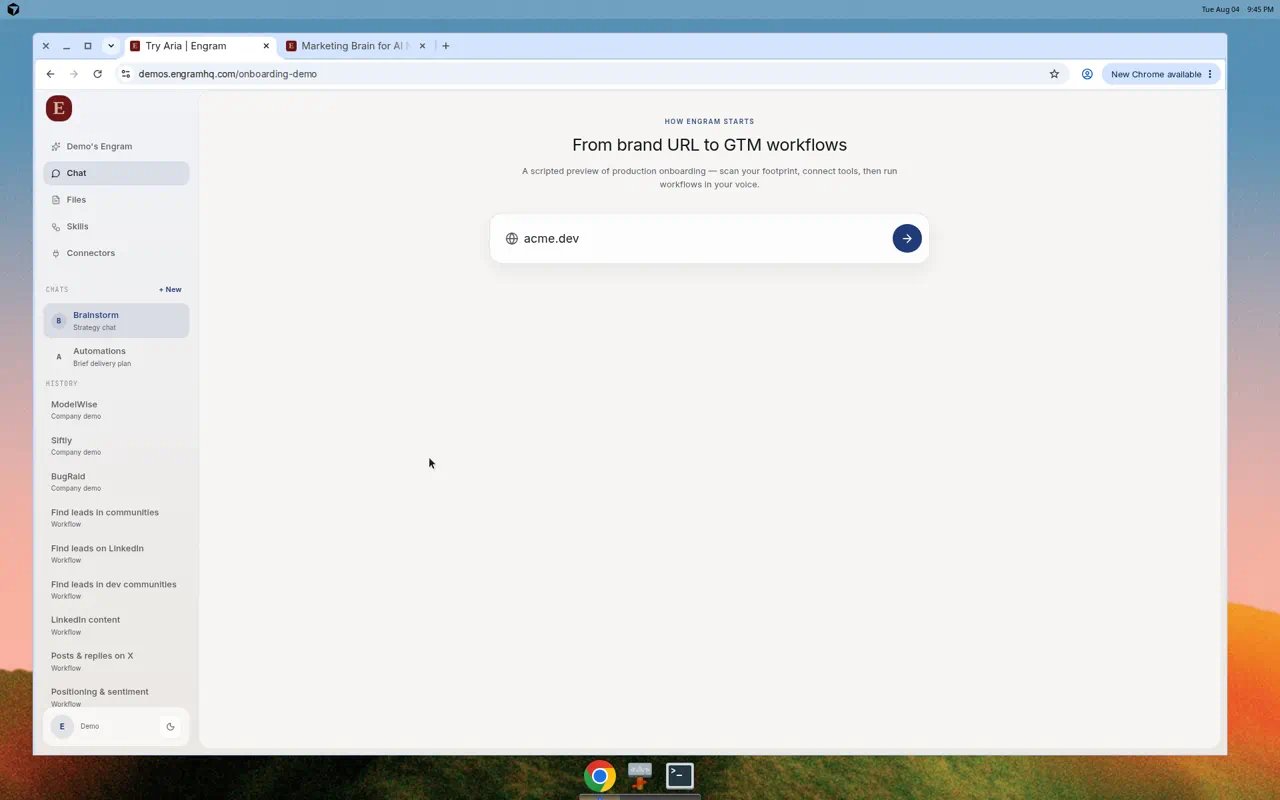
Enter your brand URL to begin.
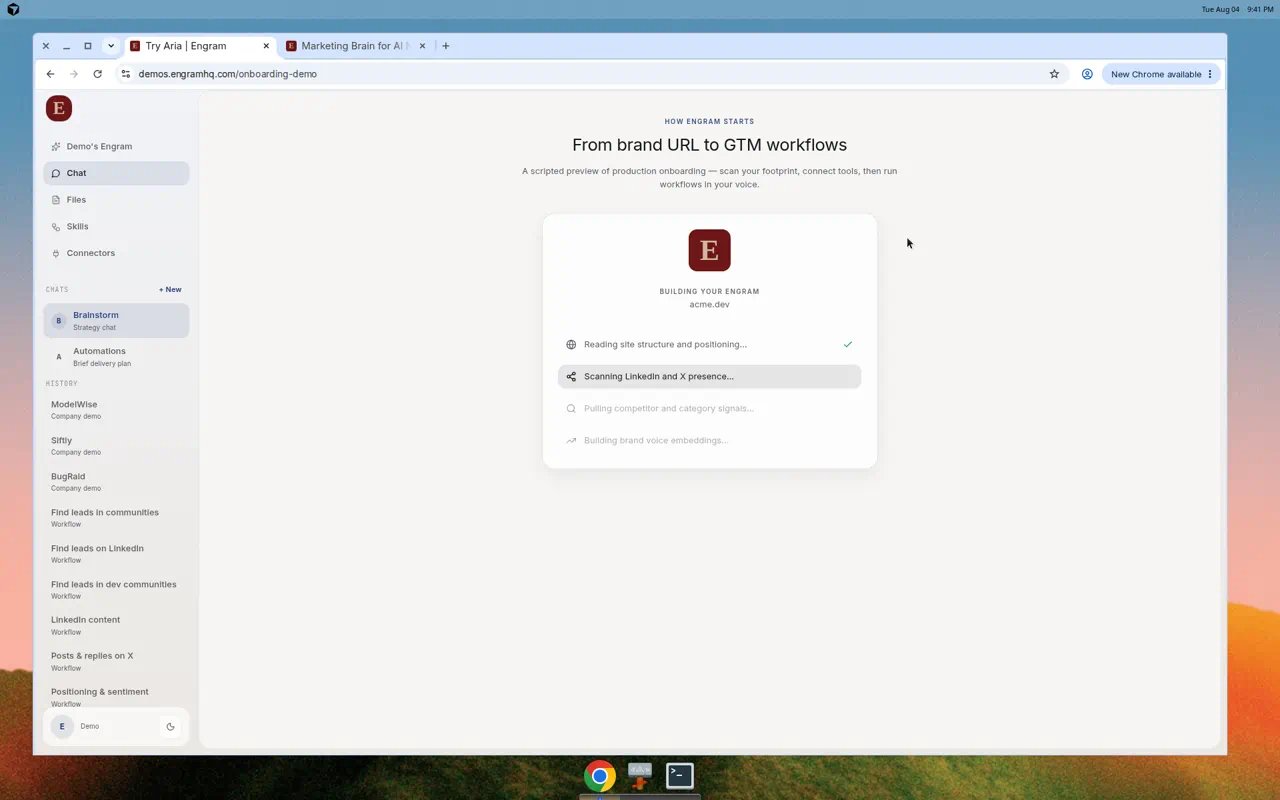
Engram builds brand context during the scan.
Add another brand later
From the brand switcher, choose Add new brand, enter a domain, and run the same setup for that workspace.After your first run
Common issues
Setup skips the URL step
Setup skips the URL step
If the active brand already has a website, Engram sends you past the URL step. Use Add new brand to start a fresh scan.
Scan results look off
Scan results look off
Open Brand Brain and edit name, description, voice, and Brands to Track. Aria uses what you correct.
A connector fails to connect
A connector fails to connect
Retry OAuth from Connectors. Confirm you have admin access in the provider, then reconnect. See Connectors.