

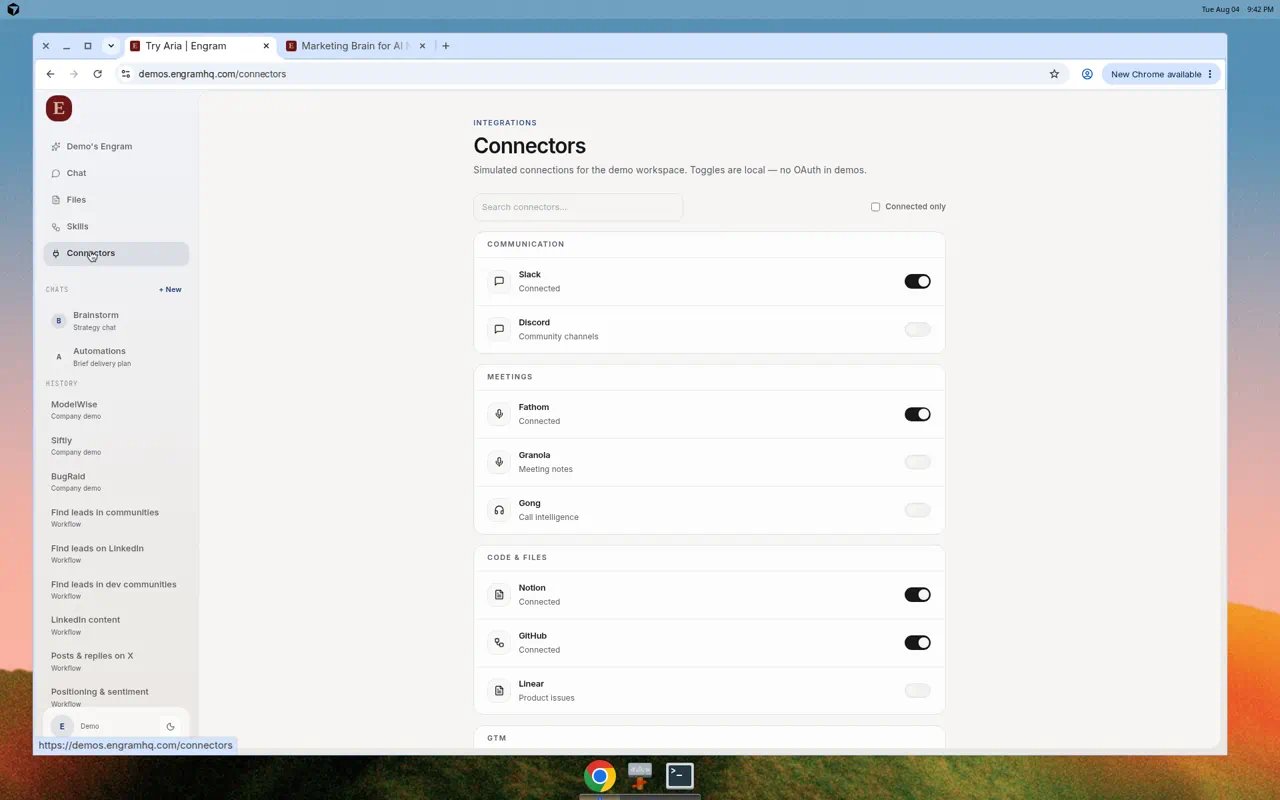
Connectors page with Communication, Meetings, and Code & Files groups.
How to connect
1
Open Connectors
Choose Connectors in the left nav.
2
Find the tool
Search, or filter with Connected only.
3
Connect
Toggle or click connect and finish OAuth (or API key where the product asks for one).
4
Confirm
Status should show Connected. For Slack, complete channel setup and Add Aria to Slack when prompted.
Connector map
Figma and Jira may appear as Coming soon.
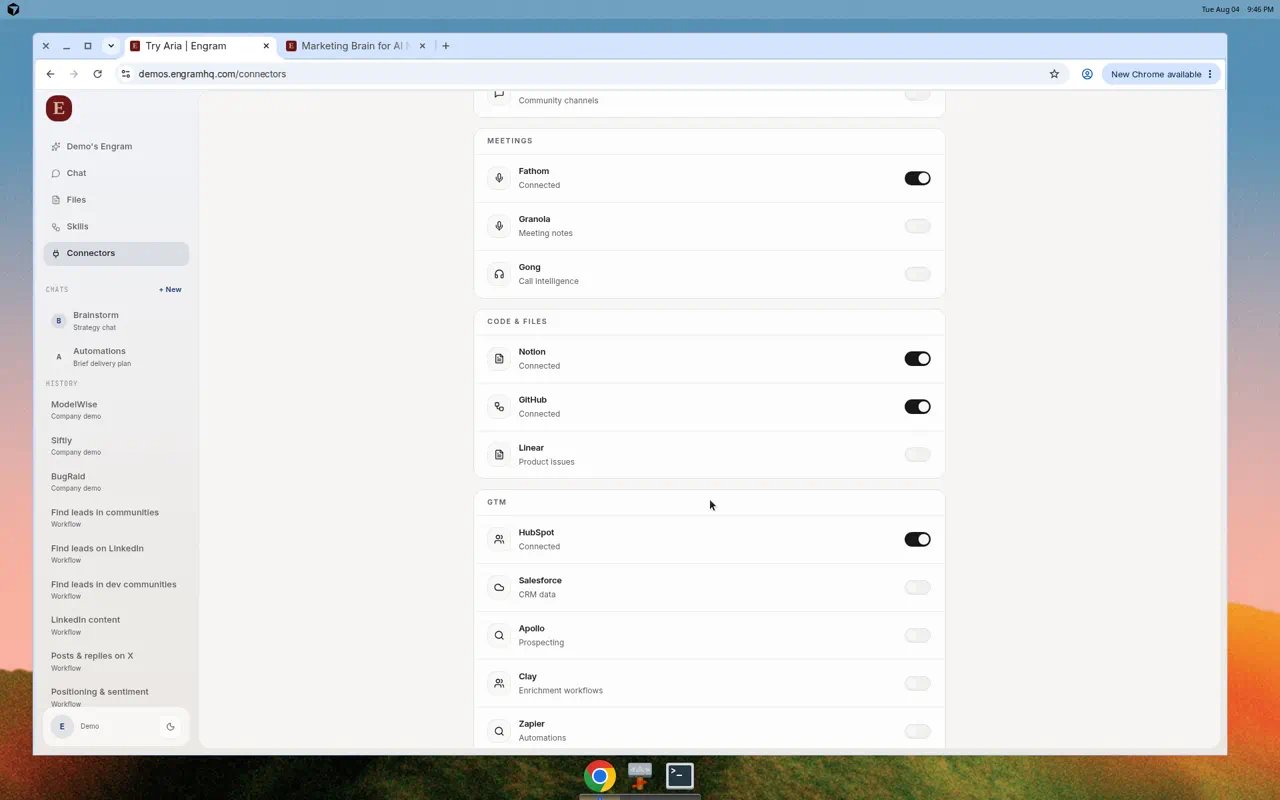
GTM connectors including HubSpot, Salesforce, Apollo, Clay, and Zapier.
MCP API keys
Some agent and developer flows use MCP API Keys under Connectors. Create keys only for systems you trust, and revoke them when access should end.Real use cases
Ship a brief to Slack
Ship a brief to Slack
Connect Slack. After Aria drafts a brief in Chat, ask Aria to post it to the agreed channel, or paste from Files.
Ground answers in Notion
Ground answers in Notion
Connect Notion. Ask Aria questions that reference a page your team already maintains.
Turn meetings into drafts
Turn meetings into drafts
Connect Fathom. Ask Aria to turn the latest transcript into a positioning note, then promote it to Files.