

{Brand}'s Engram. The old /today route redirects here.
What lives here
Tabs Context and Gallery may show as Coming Soon. Treat Brand Brain as the live surface today.
When you first add a brand, Engram scans your site and public footprint before the full editor is ready.
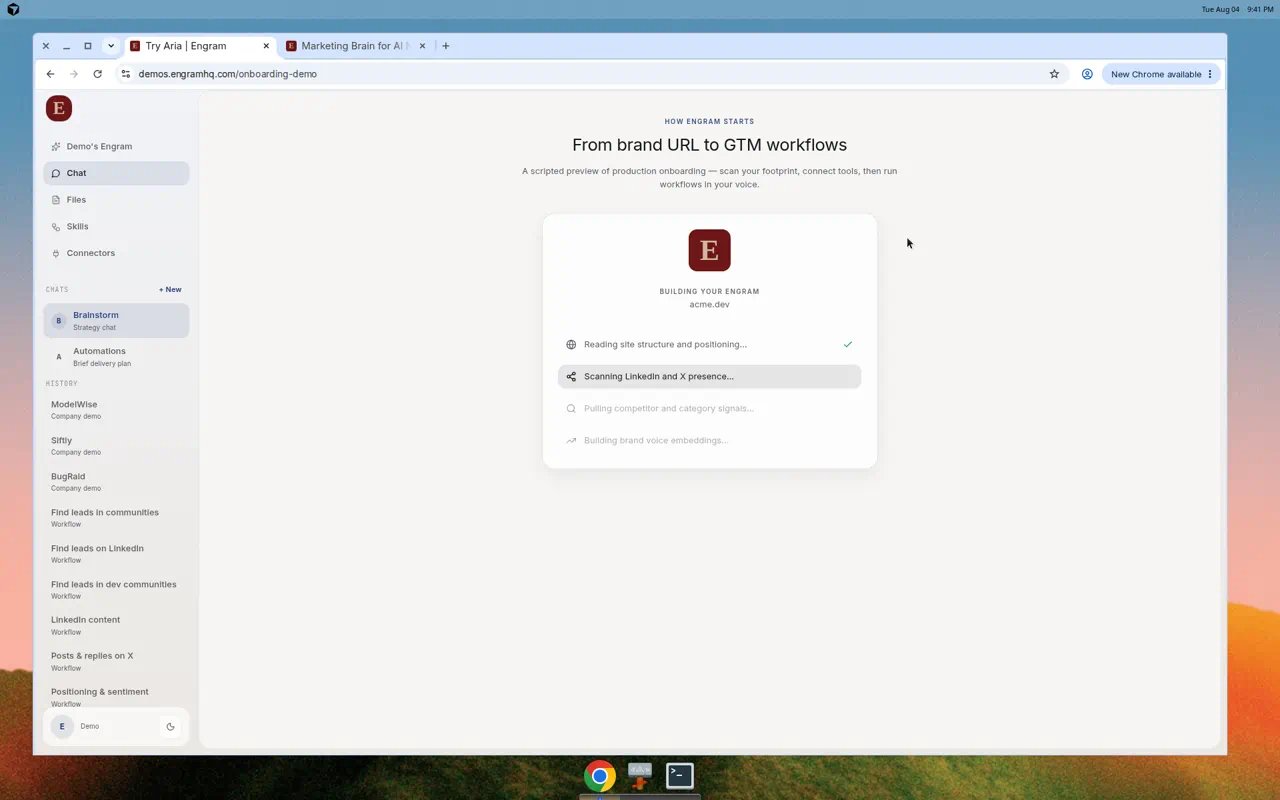
Engram builds Brand Brain from your website and public footprint.
Refresh intelligence
Use Refresh Intelligence when the market moved, you changed tracking lists, or the brief looks stale. The button shows Updated with a relative time after a successful run.Real use cases
Monday positioning check
Monday positioning check
Open Brand Brain before standup. Read Position and The Gap. If The Gap no longer matches your roadmap, edit the brand description and voice, then ask Aria in Chat to rewrite this week’s narrative.
Competitor suddenly louder
Competitor suddenly louder
Add their LinkedIn or X URL under Brands to Track. Refresh Intelligence. Ask Aria: “What changed in competitor messaging this week, and what should we post in response?”
Agency or co-founder onboarding
Agency or co-founder onboarding
Export Brand Brain as Markdown and share it before you invite them. Then add them under Team so they work inside the same workspace.
How Brand Brain feeds the rest of Engram
If Aria sounds generic, fix Brand Brain before you rewrite prompts.Tips
- Keep description to one clear line. Vague copy produces vague answers.
- Prefer real competitor and operator URLs over names alone.
- Turn on Use in Engram UI only when you want the workspace chrome to follow brand colors.
- Do not wait for Coming Soon tabs. Use Chat attachments and Connectors for extra context now.