> ## Documentation Index
> Fetch the complete documentation index at: https://docs.engramhq.com/llms.txt
> Use this file to discover all available pages before exploring further.
# Team handoff
> Share a Chat thread and promoted Files so an editor can finish Aria drafts.
Move a draft from your GTM lead + Aria to an editor without losing prompts, files, or brand context.
## Best for
Small teams where one person directs Aria and another polishes for publish.
## Connectors that power this
| Connector | Role | Needed? |
| ----------------------- | ----------------- | ----------- |
| Team invites (built-in) | Editor access | Required |
| Files / Writing canvas | Working draft | Required |
| Notion | Team wiki copy | Recommended |
| Slack | Notify the editor | Optional |
## Setup
1. Invite the editor as **Editor** (or Member) under **Manage team**.
2. Connect Notion if the final should live in your wiki.
3. Keep Brand Brain current so the editor inherits voice.
## Run it
Run a skill or paste a prompt in Chat. Edit once in Writing canvas so intent is clear.
Draft three LinkedIn posts for next week in our Brand Brain voice. After each draft, add a one-line editor note: what must stay, what they can cut. Put the full set in one markdown doc I can promote to Files.
Choose **Share**, add the editor, or copy the chat link so they see the same thread and Chat files.
 The editor opens **Chat files → Open in canvas**, revises the draft, and clicks **Save**.
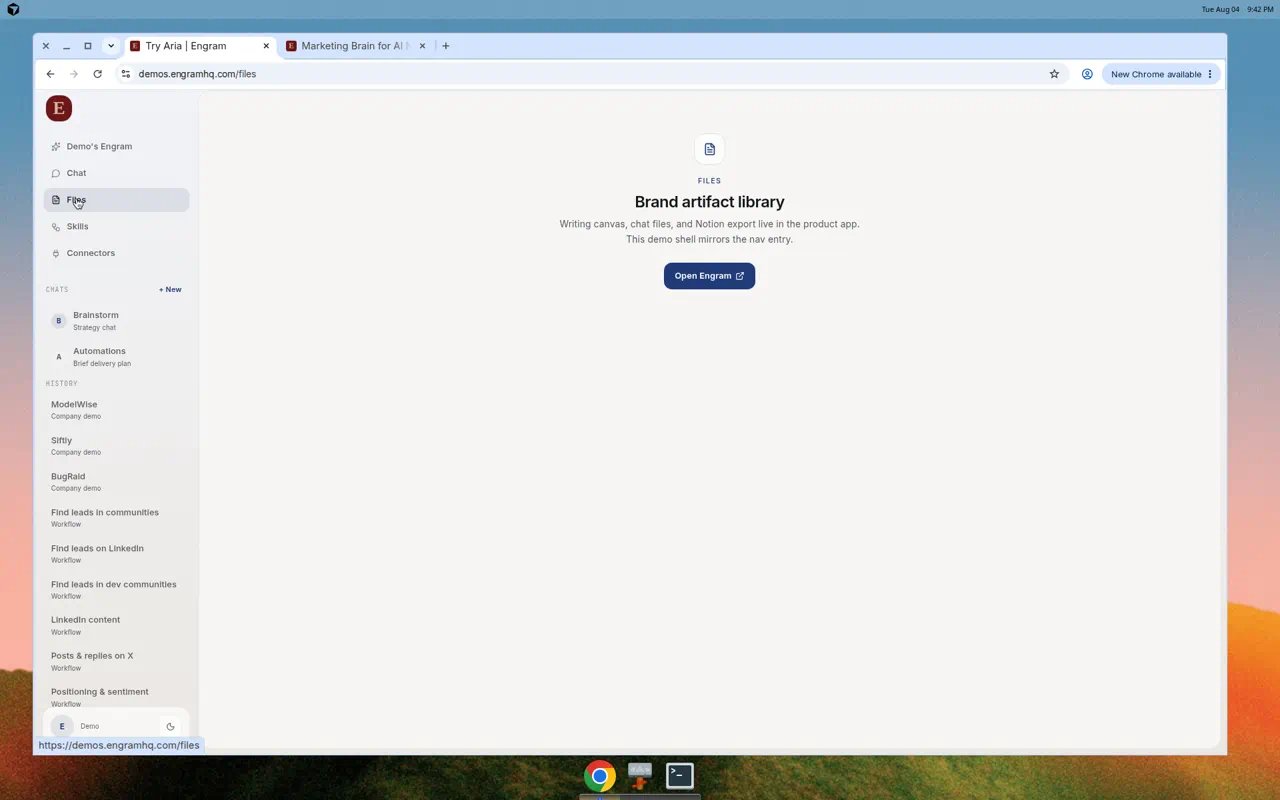
 After edits, promote the artifact to **Files**. Optionally export to Notion.
 ## What good looks like
* Shared chat with full Aria context
* Final artifact in Files
* Optional Notion page for the wider team
## Variations
Write a short Slack message to our editor linking what changed in the draft, the deadline, and the one thing they must not rewrite.
## Related
* [Team](/guides/team)
* [Files](/guides/files)
* [Customer context bridge](/use-cases/cs-handoff)
## What good looks like
* Shared chat with full Aria context
* Final artifact in Files
* Optional Notion page for the wider team
## Variations
Write a short Slack message to our editor linking what changed in the draft, the deadline, and the one thing they must not rewrite.
## Related
* [Team](/guides/team)
* [Files](/guides/files)
* [Customer context bridge](/use-cases/cs-handoff)