> ## Documentation Index
> Fetch the complete documentation index at: https://docs.engramhq.com/llms.txt
> Use this file to discover all available pages before exploring further.
# Quickstart
> Go from sign-up to a useful Engram loop: brand, connectors, and a first Aria answer.
This path gets you from zero to a useful result in one sitting.
## Prerequisites
* A modern browser
* Your company website URL
* Optional: Slack, Notion, or Fathom access if you want connectors on day one
## Path
Go to [app.engramhq.com](https://app.engramhq.com) and sign up or sign in.
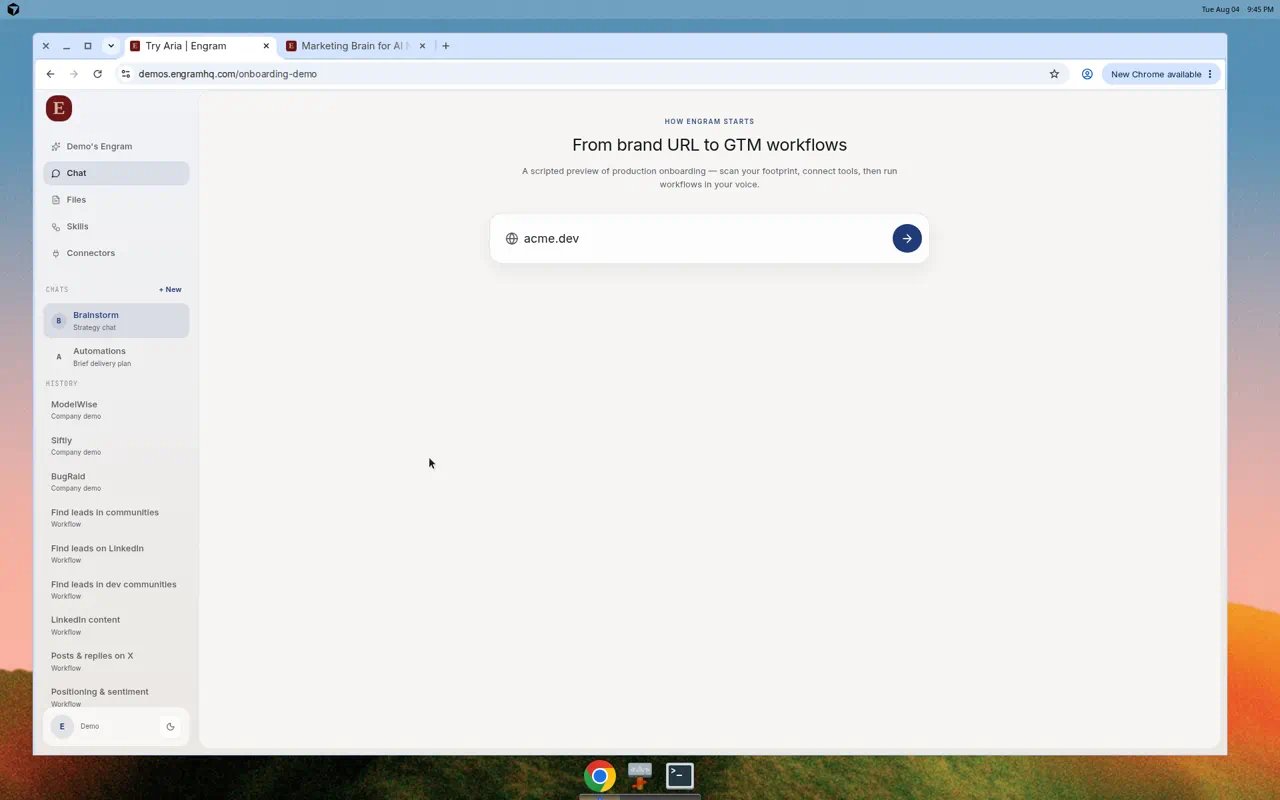
Enter your website when prompted. Engram builds Brand Brain from your site and public footprint.
 Open **Connectors** and connect Slack, Notion, or meeting tools you rely on. Skip anything you do not need yet.
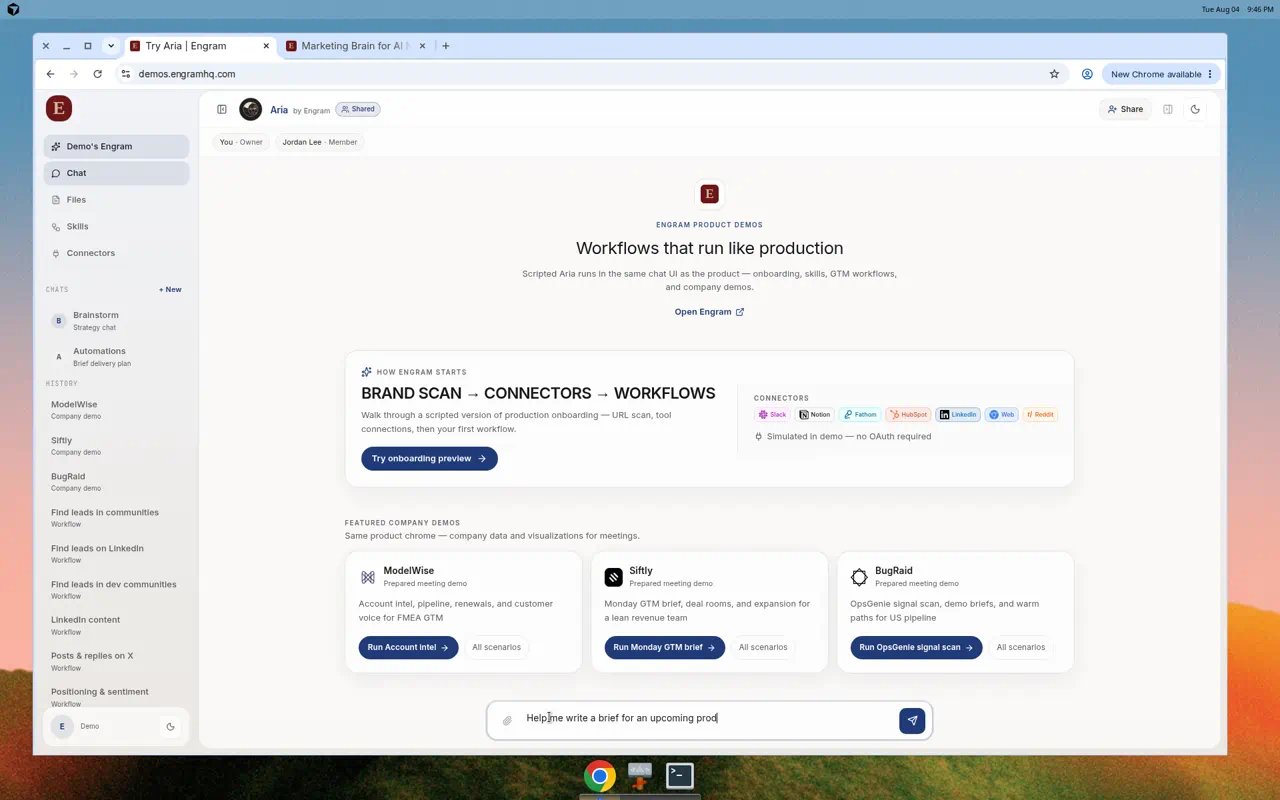
Open **Chat** and ask something specific, for example:
> Audit our positioning against the three closest competitors and list the gap we should own this week.
Open **Connectors** and connect Slack, Notion, or meeting tools you rely on. Skip anything you do not need yet.
Open **Chat** and ask something specific, for example:
> Audit our positioning against the three closest competitors and list the gap we should own this week.
 Open **Skills**, turn on a Live skill, then choose **Launch in chat**. Prefer a short Marketing skill for your first run.
## Success looks like
* Brand Brain shows your name, site, and identity tiles
* At least one connector shows **Connected** (optional on day one)
* Aria returns an answer grounded in your brand
* A skill run appears in chat history
## Next
* [First run](/guides/first-run)
* [Brand Brain](/guides/brand-brain)
* [Morning brief use case](/use-cases/morning-brief)
Stuck? Email [aria@engramhq.com](mailto:aria@engramhq.com).
Open **Skills**, turn on a Live skill, then choose **Launch in chat**. Prefer a short Marketing skill for your first run.
## Success looks like
* Brand Brain shows your name, site, and identity tiles
* At least one connector shows **Connected** (optional on day one)
* Aria returns an answer grounded in your brand
* A skill run appears in chat history
## Next
* [First run](/guides/first-run)
* [Brand Brain](/guides/brand-brain)
* [Morning brief use case](/use-cases/morning-brief)
Stuck? Email [aria@engramhq.com](mailto:aria@engramhq.com).